
Starting a New Project
- Open the HERON® Desktop software on your workstation PC.
- In the HERON® Desktop Launch Window, select an existing project or create a new one.
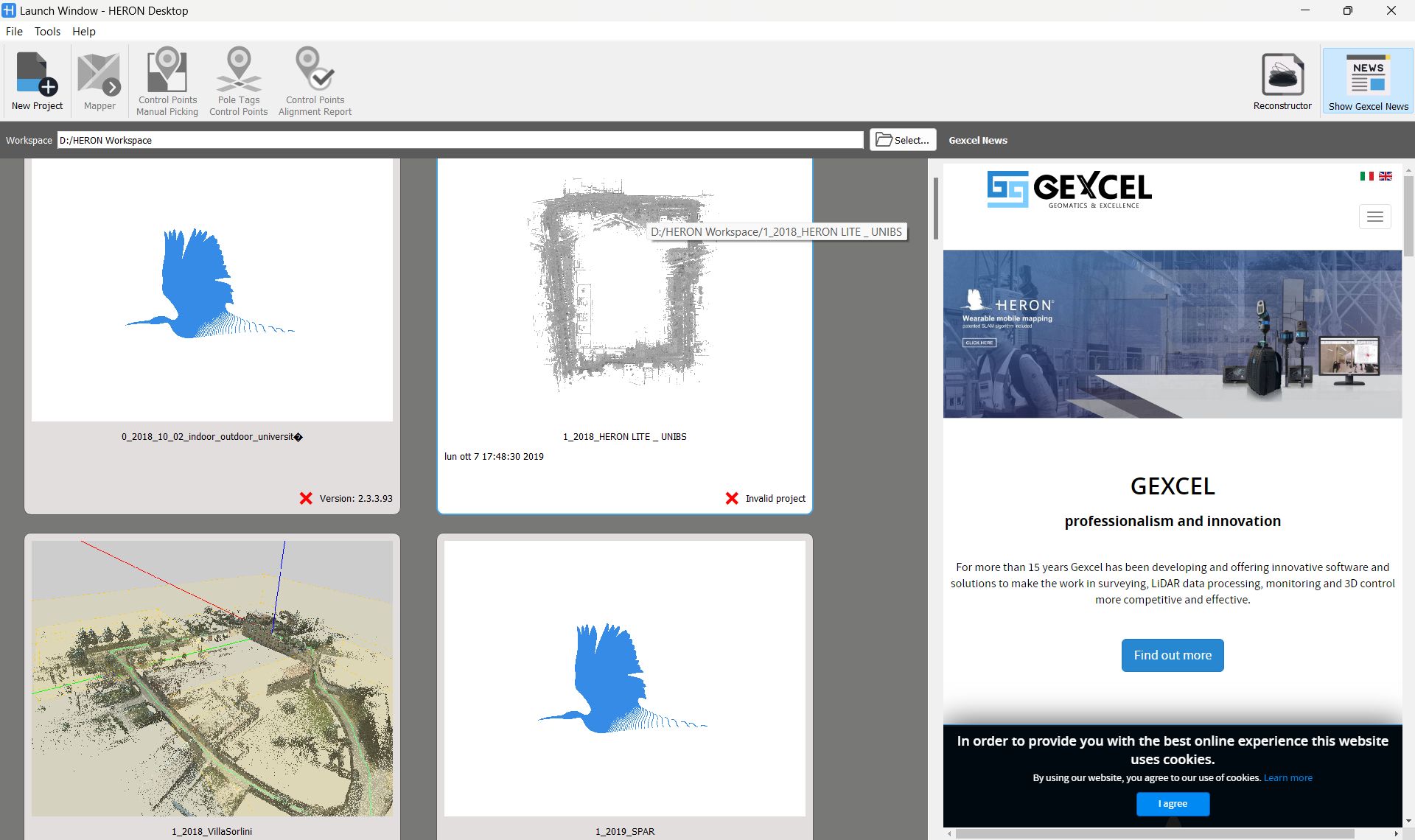
Workspace
The Workspace is intended as a container of your HERON® Desktop projects.
To change this destination folder click on Select in the top of the Launch Window, choose the path, and choose or create a new workspace folder.
 It is highly recommended to set a Workspace outside of HERON® Desktop installation folder (i.e. C:\HERON), in order not to delete the projects saved inside it during the uninstallation/update of the software.
|
|
New Project To create a new project click on this icon. Select the Project name blank, type the desired project name, and click on Create button. |

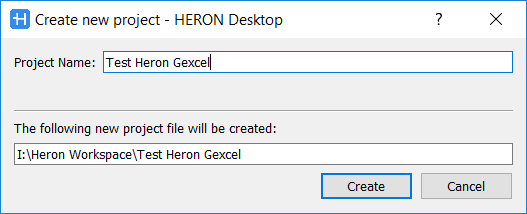
By default, the project folder will be created in the selected Workspace.
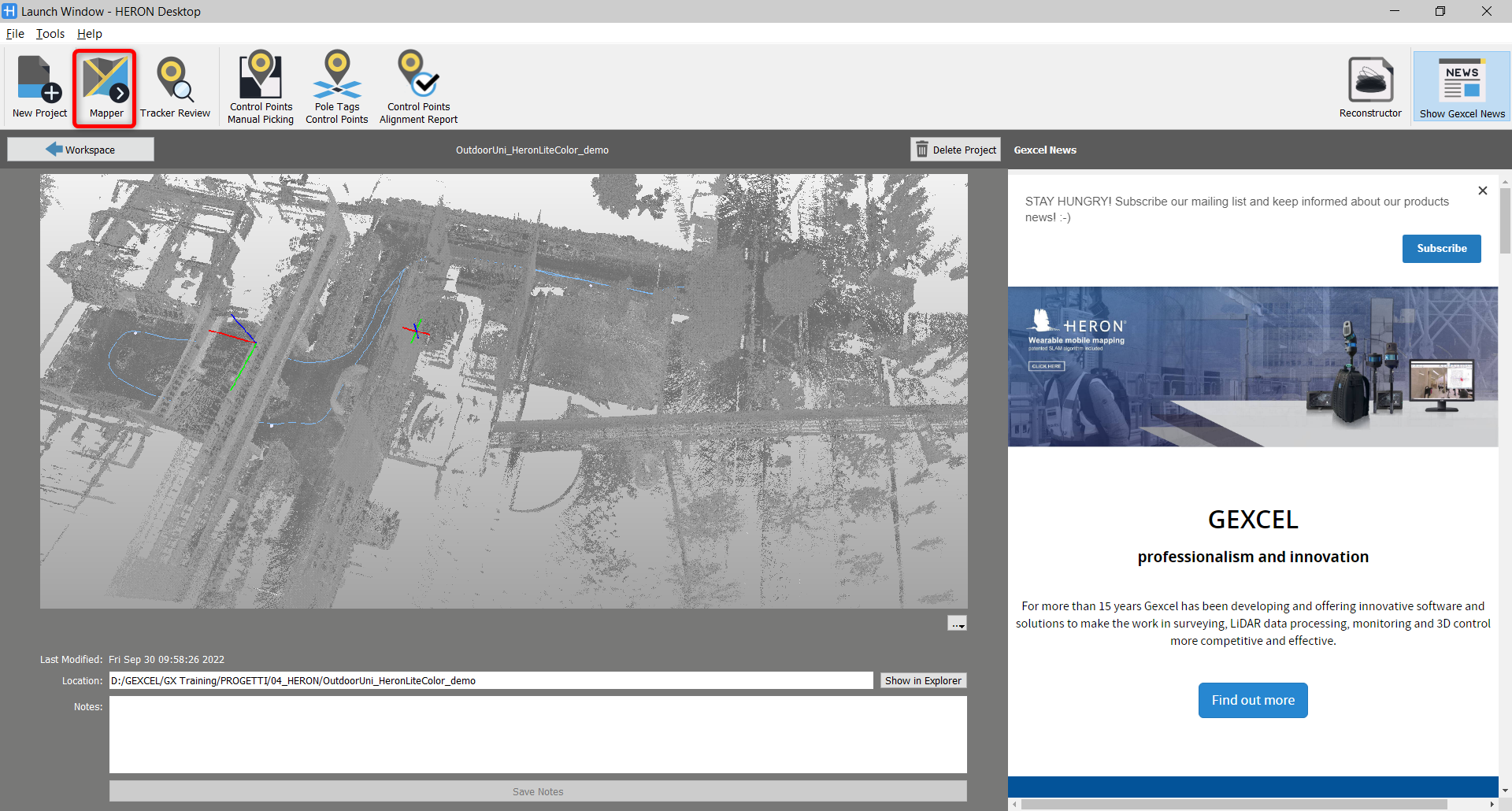
In a new Heron Desktop project, click on Mapper to start/continue data post processing.
Follow the step-by-step video tutorial to learn how to start a new Heron Desktop project.