
Add Point Cloud To Project
|
|
Add to project Select the desired point cloud(s) in RESOURCES, then click the Add to project button. A single point cloud or a Multiple selection of point clouds can be added to the project. |

The point cloud is voxelized to import a more manageable object inside the project, and the dimension of the voxels is selectable in the dialog:
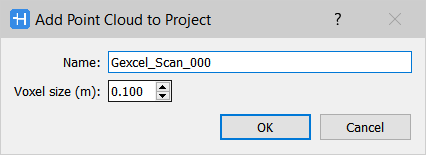
At the end of the process the point cloud(s) will be listed in the Project window and identified by the icon  .
.