
Tracking Odometer
After the five steps explained in the Tracking and Change Detection Workflow, let to complete the Run tracker process until all the single clouds of the trajectory are aligned with the reference map and a green trajectory is generated.
In the following image the reference map view is disabled to show the trajectory created by accurately aligning each cloud with reference map.
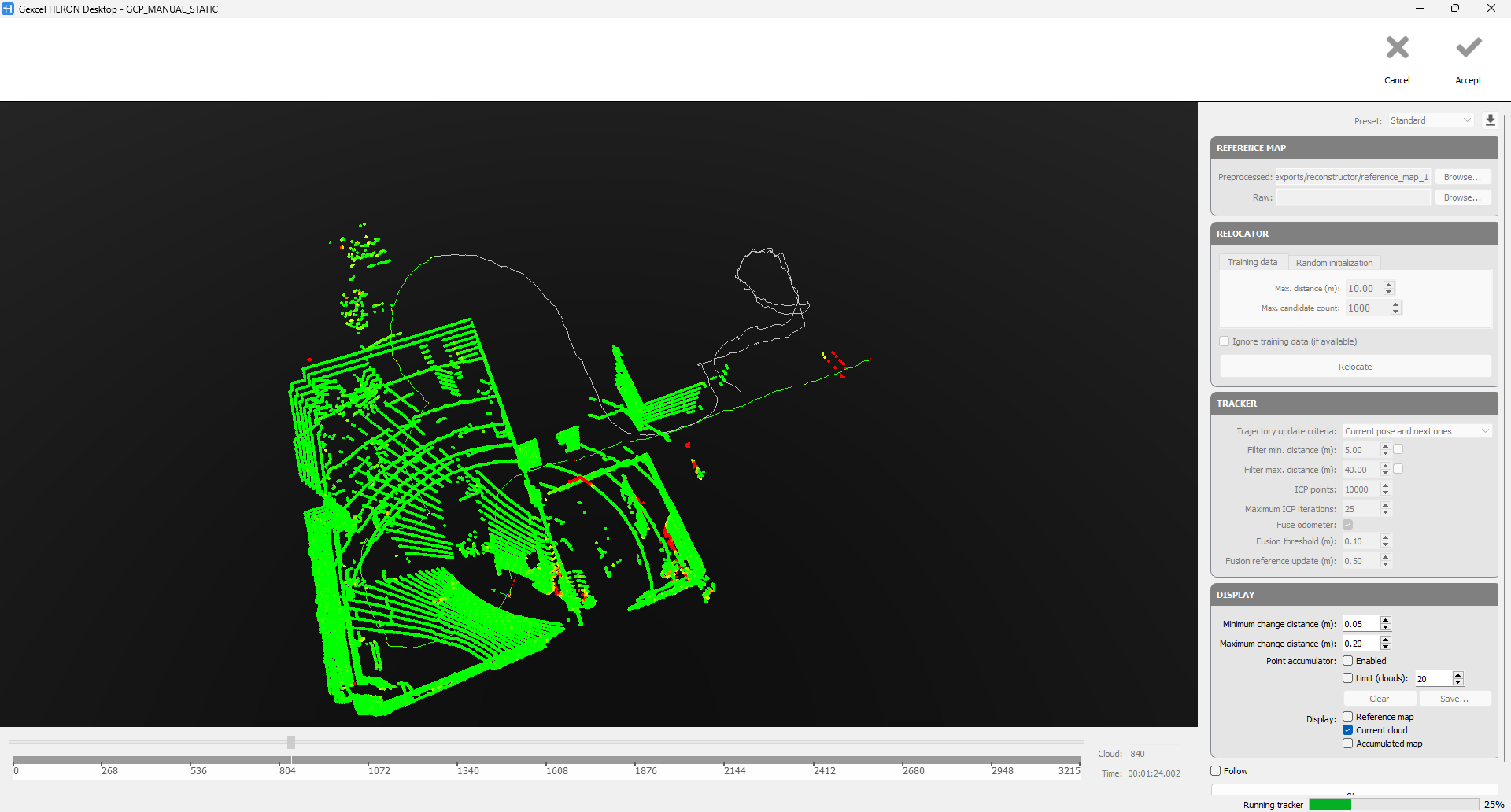
Once the process is completed, the final HERON® trajectory is aligned with the reference map and its accuracy is very close to the reference data.
Therefore resulting trajectory can be directly send to Reconstructor® without generating the local map and going through the global optimization step.
Follow the step-by-step video tutorial to learn how to run the Tracking Odometer.